Image segmentation tool with AI drafted masks and polygons
An image segmentation tool has one job: get pixel accurate labels without costing your team a full day per image. ImageLabeling drafts the masks with an AI model, then gives your labelers a brush, a polygon tool and zoom to clean up the edges. The result exports as COCO segmentation data, ready for instance or semantic segmentation training.
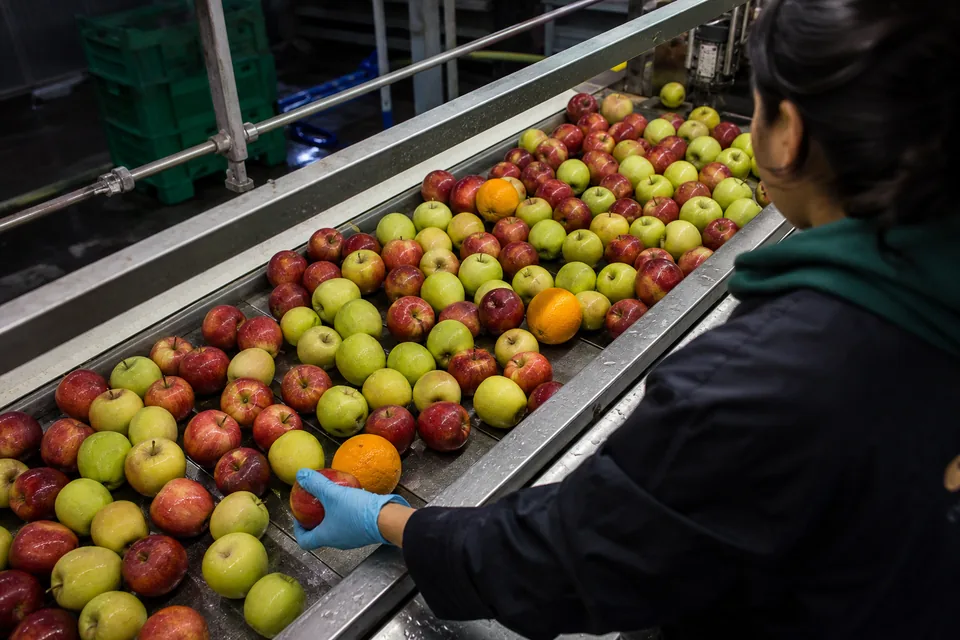
Masks, polygons and brush in one image segmentation tool

Segmentation labels come in two forms, and the editor supports both.
- Polygon (key P): a series of points around the outline. Fast for objects with clear edges, on every plan.
- Mask: a pixel region painted with the brush and refined with the polygon tool. Best for soft or ragged edges, on Team and above.
- Brush: adds or erases pixels on a mask, with an adjustable size for coarse fills and fine edges.
Zoom keeps edge work precise, and undo history lets a labeler step back through every stroke. Each mask or polygon carries a class from your schema and, on Team and above, attributes such as damaged or partially visible.
AI drafted masks
The AI model proposes masks and polygons for the classes in your label schema, each with a confidence score. A labeler accepts a good draft with A, repairs a weak edge with the brush, or rejects the proposal and draws it by hand. The auto labeling page explains how the confidence score helps reviewers decide where to look first.
Instance segmentation versus semantic segmentation
The two tasks look similar on screen and differ in what the model learns.
In ImageLabeling you label instances, one mask or polygon per object, and every instance keeps its class. That gives you instance data directly and semantic data by merging instances per class at training time. Labeling instances first keeps both options open.
| Instance segmentation | Semantic segmentation | |
|---|---|---|
| What is labeled | Each object separately | Each pixel by class |
| Two touching apples | Two masks, two IDs | One apple region |
| Typical use | Counting, picking, measuring objects | Roads, fields, surfaces, background |
| Common models | Mask based detectors | Encoder and decoder networks |
Stuff and things
Countable objects such as people, bottles or parts are things. Amorphous regions such as sky, grass, water or a rusted surface are stuff. Label things as instances and stuff as one region per connected area, and write that rule into your guidelines.
Segmentation labeling that stays consistent
Segmentation takes more time per object than boxes, so the review step matters more. A reviewer approves the image or sends it back with a comment on the exact region that needs work. Consensus on a sample of images, available on Team and above, shows where two labelers draw different edges for the same object. Business adds a QA score per labeler, so you see who needs a refresher on the guidelines.
- Agree on edge rules: include or exclude shadows, reflections and transparent parts
- Decide on a minimum region size below which nothing is labeled
- Define how overlapping objects are split, front object first
- Freeze a dataset version before every training run
Where teams use segmentation
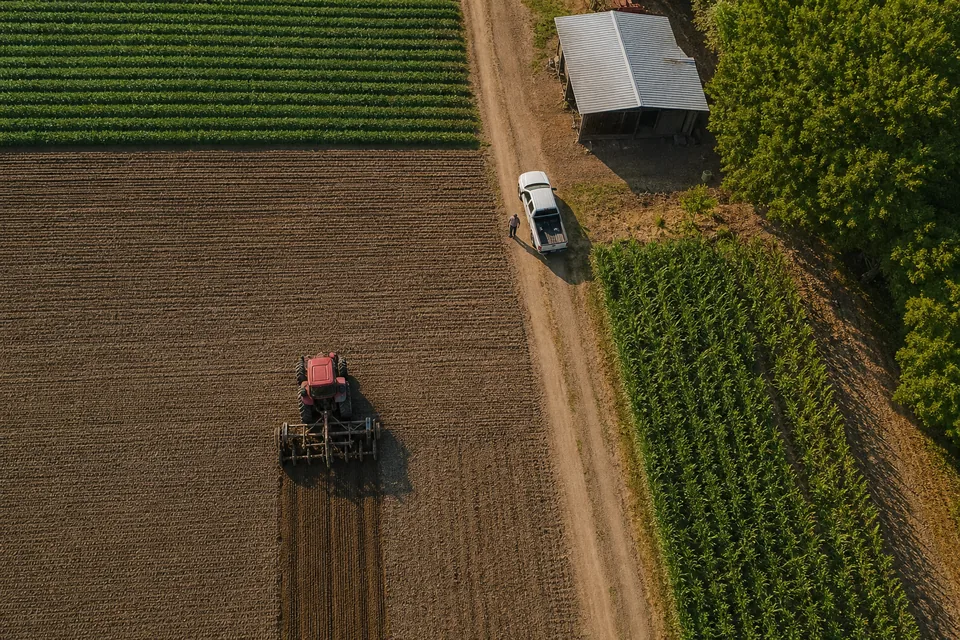
Manufacturing teams segment scratches, dents and coating defects that have no clean box shape. Agriculture and geospatial teams outline fields, crop rows and weeds from aerial images. Research teams working with medical images draw organ or lesion regions for model training only; ImageLabeling is a labeling tool, not a diagnostic device. Retail and robotics teams segment items for precise picking.
Export masks and polygons

Polygons and masks export to the segmentation field of COCO JSON, together with the enclosing box and area of each object. The COCO annotation tool page shows that structure. Boxes from the same project export to YOLO and Pascal VOC as usual. To compare segmentation with the other data annotation tools, or to decide whether boxes are enough, read bounding box annotation.
Which plan includes masks
Polygons are on every plan. Segmentation masks and attributes start on Team, 149 USD per month or 74 USD per month billed yearly. Team also includes the full review workflow with consensus and API access. See every limit on the pricing page.
FAQ
Is the image segmentation tool on the Starter plan?
Starter includes polygons, which cover many segmentation tasks. Brush based segmentation masks start on the Team plan.
Can I export semantic masks?
You label instances, each with a class. Merging instances of the same class gives you a semantic mask, and the COCO export keeps the class of every instance for that step.
How accurate are the AI drafted masks?
They are a first draft with a confidence score per object. Labelers fix edges with the brush or polygon tool, and reviewers approve every image before it goes into a version.
Can I segment video?
Frames can be uploaded as images and segmented one by one. There is no native video timeline.
Segment your own image in the free demo
Upload one image, choose Segment and edit the AI drafted masks in the real editor.