YOLO labeling tool that exports ready to train datasets
A YOLO labeling tool is only as good as the folder it hands you. ImageLabeling draws the first boxes with AI, lets your team correct them fast, and exports a frozen dataset version as one txt file per image, a data.yaml file and clean train, val and test folders that a YOLO training script reads without edits.

One txt file per image
YOLO detection labels live next to the images, one plain text file per image with the same base name. Each line is one object with five values separated by spaces.
- class: the zero based index of the class in your names list
- x_center and y_center: the center of the box divided by image width and height
- width and height: the box size divided by image width and height
All coordinates are normalized to values between 0 and 1, so the labels stay valid when you resize images for training. An image with no objects gets an empty txt file, which tells the trainer it is a true background image.
0 0.481250 0.633333 0.212500 0.343750
2 0.152344 0.420833 0.084375 0.195833
How the export computes the numbers
Boxes are stored in pixels inside ImageLabeling. At export time each box is converted with the real width and height of its image, and class indexes follow the order of classes in your label schema. That order is frozen with the dataset version, so index 2 means the same class in every export of that version.
The data.yaml file
Every YOLO export includes a data.yaml file that points to the split folders and lists class names in index order.
The folder layout matches it: images/train with labels/train, images/val with labels/val, images/test with labels/test. Unzip, point your trainer at data.yaml and start a run.
path: .
train: images/train
val: images/val
test: images/test
nc: 3
names: ['helmet', 'person', 'forklift']
YOLO labeling with fixed train, val and test splits

Splits belong to dataset versions, not to exports. When you freeze a version you set the split ratios, for example 80, 10 and 10, and each image is assigned to one split. Every later export of that version uses the same assignment, so a test image never moves into training by accident between two runs.
- Freeze a version before every training run
- Compare two versions to see labels added, changed and removed
- Starter keeps 3 versions, Team, Business and Enterprise keep as many as you need
- Re-exports are never counted toward the monthly AI image quota
Labeling workflow for detection
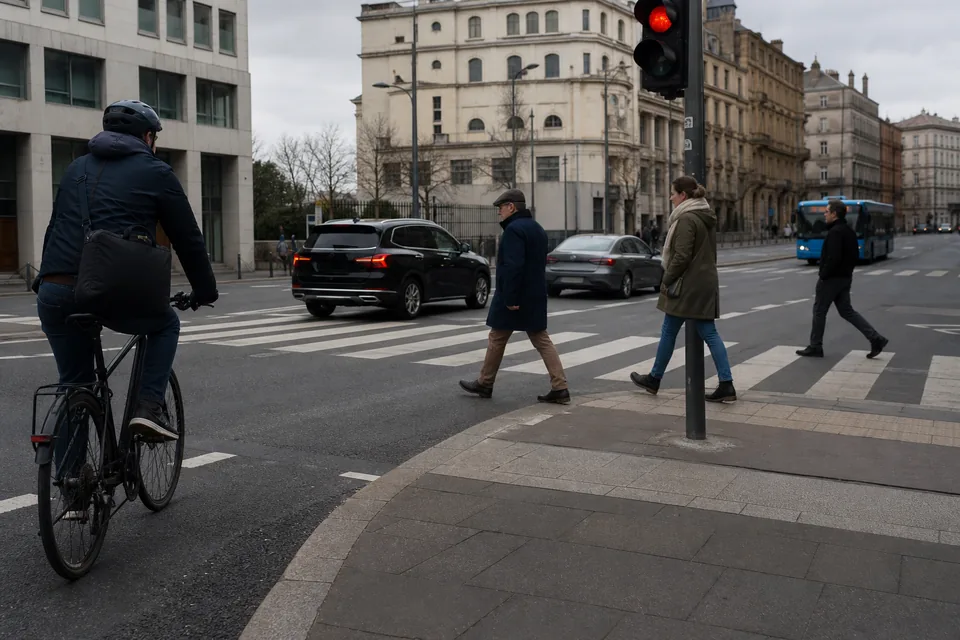
The AI model proposes boxes for your classes with a confidence per object. Labelers accept with A, fix a box edge with a drag, draw a missing object with B and move on with D. Reviewers approve or send images back with a comment, so the export only holds checked labels when review is on. The bounding box annotation page lists the tight box rules worth agreeing on before you start, and auto labeling explains how confidence scores guide review.
Import existing YOLO labels
Already have a YOLO dataset? Upload the images, import the txt files and the data.yaml, and the classes and boxes appear in the editor for review. COCO JSON, Pascal VOC XML and CSV import the same way.
When to export something else
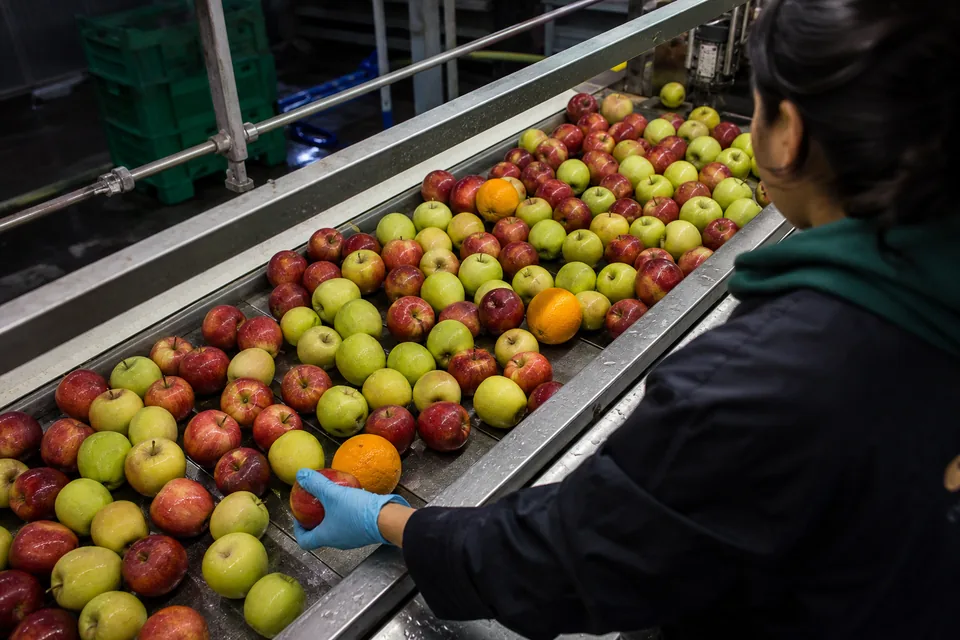
YOLO txt holds boxes. For masks or keypoint skeletons, export the same version as COCO JSON, described on the COCO annotation tool page. Pascal VOC XML and CSV are also available from the same version. Our coco vs yolo format post compares the formats, and the computer vision annotation tool page shows how to trigger exports from the API on Team and above.
The YOLO labeling tool on every plan
All four export formats are part of every plan. Starter costs 49 USD per month or 24 USD per month billed yearly and includes 1,000 AI pre-labeled images per month. See every plan on the pricing page.
FAQ
Does the export include images without objects?
Yes. Background images get an empty txt file, which is what YOLO trainers expect for negative examples.
Can I control class indexes?
Class indexes follow the order of classes in your label schema. Reorder the schema before you freeze a version, and the order stays fixed for every export of that version.
Can I change the split after freezing a version?
A frozen version keeps its split. To use a different split, create a new version with new ratios, and both versions stay available for comparison.
Does manual labeling count toward the AI image quota?
No. An image counts once, when the AI model pre-labels it. Manual labeling and re-exports never count, and deleting images never frees the monthly AI quota.
Get your first YOLO dataset
Upload one image to the free demo and see the boxes, then create your workspace and export a full YOLO version.