Keypoint annotation tool for skeletons, pose and landmarks
A keypoint annotation tool turns people, animals, hands or machine parts into a set of named points your pose model can learn from. ImageLabeling drafts the points with an AI model, connects them into the skeleton you define, and lets your labelers fix each point and its visibility flag from the keyboard.

Single points and full skeletons in one keypoint annotation tool

Keypoint work comes in two levels. A single point marks one location with a class, such as the center of a bolt, a fruit stem or a landmark on a map. A skeleton is a template of named points with connections between them, such as nose, shoulders, elbows, wrists, hips, knees and ankles for a human pose.
- Single points: on every plan, drawn with K
- Keypoint skeletons: on Business and Enterprise, defined as a template in your label schema
- Each skeleton instance can carry a bounding box, so detection and pose share one label
Define the skeleton once
In the schema you list the points in a fixed order, name them, and draw the edges that connect them. The order matters, because every export keeps it, and your training code reads points by position. Reusable templates let several projects share one skeleton, so a hand model and a full body model stay consistent across datasets.
Visibility flags for every point
Not every point is visible in every image. A wrist can be behind a back, a foot can be outside the frame. Each point carries a visibility flag so the model knows what it can trust.
These values match the COCO keypoint convention, so the flags export without any conversion. Agree in your guidelines whether labelers estimate hidden points or skip them, because both choices change what the model learns.
| Flag | Meaning | What the labeler does |
|---|---|---|
| 2 | Labeled and visible | Places the point on the visible location |
| 1 | Labeled but not visible | Places the point at the estimated location behind the occluder |
| 0 | Not labeled | Leaves the point out, for example outside the image |
Left and right
Most pose errors are swapped sides. Write in your guidelines that left and right always mean the subject's own left and right, not the viewer's. Reviewers catch swaps quickly because the skeleton edges cross in an obvious way.
Pose labeling with AI drafted points
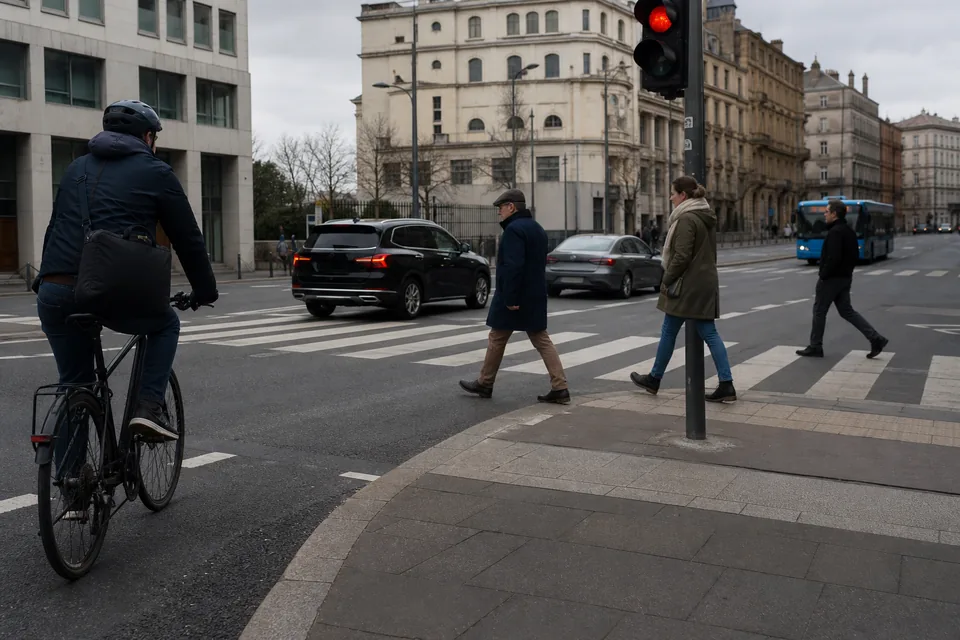
The AI model proposes points for every skeleton in the image, with a confidence per object. A labeler drags misplaced points into position, flips a visibility flag where needed and accepts the instance with A. Then D opens the next image. For crowded scenes, labelers zoom into each person and work instance by instance.
Review for keypoints
Reviewers see the skeleton drawn over the image and send an image back with a comment when a point is off. On Business, the QA score per labeler and consensus on a sample of images show where labelers disagree, which for keypoints is usually hips, shoulders and hidden points.
Where keypoints are used
- Human pose for fitness, ergonomics and safety research
- Hand landmarks for gesture recognition
- Animal pose for livestock and wildlife monitoring
- Part landmarks on machines, vehicles or products for alignment and measurement
- Facial landmarks for research datasets, labeled with consent and under your own data policy
Export in COCO keypoint format

Keypoints export to COCO JSON, with a flat list of x, y and visibility values per instance and the skeleton definition in the category. The COCO annotation tool page shows that structure field by field. Single points also export to CSV. Keypoints sit next to the other data annotation tools in the same editor, so one project can mix poses with boxes from bounding box annotation or masks from the image segmentation tool.
Plans for keypoint skeletons
Single points are on every plan. Skeletons and custom schemas are on Business, 499 USD per month or 249 USD per month billed yearly, and on Enterprise. Business also adds the QA score per labeler, webhooks and SSO. Compare the plans on the pricing page.
FAQ
Is the keypoint annotation tool on the Starter plan?
Starter and Team include single points. Skeletons with named, connected points are on Business and Enterprise.
How do I handle hidden joints?
Use the visibility flag. Mark a point as labeled but not visible when you estimate its position, or leave it unlabeled when it cannot be estimated.
Can I use my own skeleton?
Yes. On Business and Enterprise you define any number of named points and connections, for people, animals or objects, and save the skeleton as a reusable template.
Does the AI draft points for custom skeletons?
The AI model proposes points for the skeleton in your schema with a confidence score. Labelers correct and accept them, and reviewers approve every image before export.
Try keypoints on your own image
Upload one image of people to the free demo, choose Keypoints and adjust the drafted points in the real editor.