Defect detection dataset labeling for manufacturing
A defect detection dataset lives or dies on consistency. Defects are small, rare and often ambiguous, and two inspectors can disagree about the same scratch. ImageLabeling gives your quality and ML teams one label schema, AI pre-labels for the first draft, a reviewer step for every batch and versioned exports, so the model learns one definition of a defect.
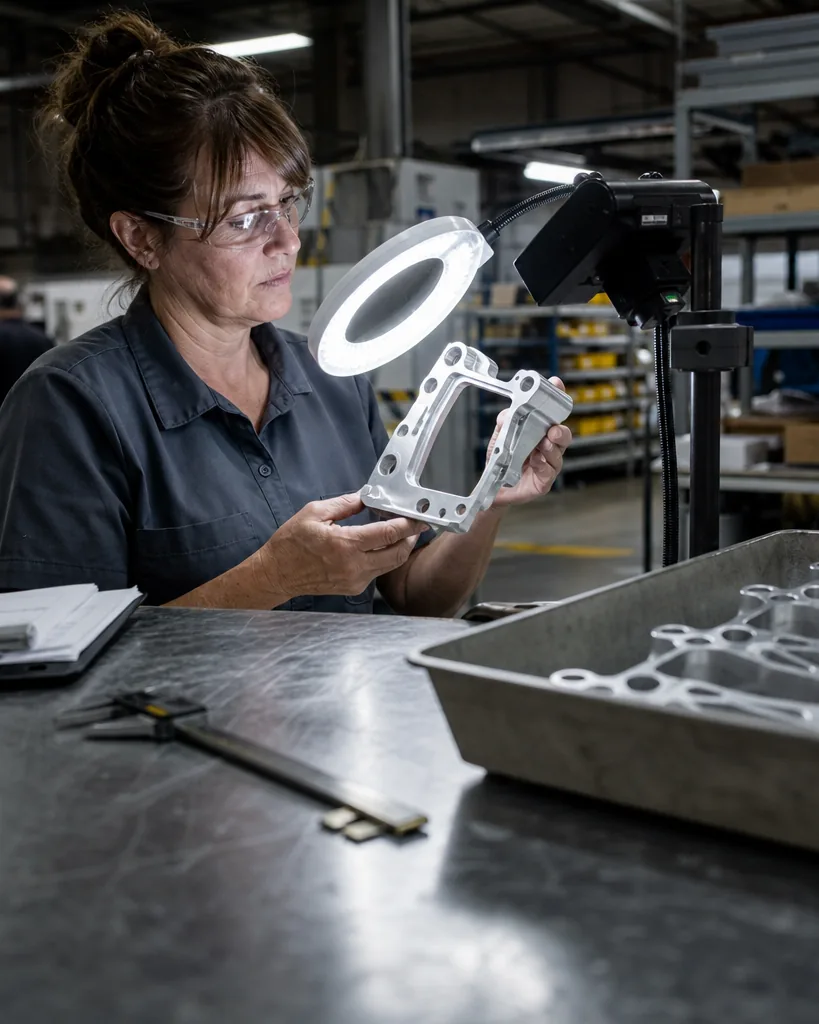
A label schema for visual inspection

Start with a small set of classes that match how your line rejects parts, then add attributes instead of new classes for detail. A typical schema for metal, plastic or assembled parts looks like this.
Useful attributes per object are severity (minor, major, critical), surface (top, side, edge) and confidence of the human label (clear, uncertain). Hierarchical classes help when you want to train a coarse model first (surface_defect, assembly_defect) and split later without relabeling. Save the schema as a reusable template for every product line.
- scratch
- dent
- crack
- chip
- burr
- porosity
- discoloration
- contamination
- missing_component
- misaligned_component
- label_defect
- ok_part (image class for defect free images)
Which annotation types fit defect detection
Most lines start with bounding box annotation: fast to draw, good enough to localize a defect and trigger a reject. When the size or shape of the defect decides pass or fail, switch to polygons or masks with the image segmentation tool, for example to measure the area of a coating defect or the length of a crack. Image level classes (ok_part, reject) are useful for a first classifier and cost almost nothing to add.
- Boxes for detection and counting of defects
- Polygons and segmentation masks for area and shape
- Image classes for pass or fail classification
- Attributes for severity and surface
Labeling inspection images with AI pre-labels and review
Upload images from your inspection cameras by drag and drop, as a zip or from a cloud bucket URL. Auto labeling proposes boxes or masks for your classes with a confidence per object. Labelers accept, edit or reject each object in one click, and the keyboard shortcuts (B box, P polygon, A accept, D next image) keep the work fast on long batches of nearly identical parts.
Defects are where disagreement hides, so turn on review. A reviewer approves each image or sends it back with a comment, and consensus on a sample of images shows which classes your team reads differently. On Business, the QA score per labeler shows who needs a guideline refresher. Keep defect free images in every batch: a dataset with only defective parts teaches the model that every part is defective.
Exporting a manufacturing defect dataset
Freeze a dataset version before each training run and keep the train, validation and test split with it. When the quality team adds a new defect class, compare versions to see exactly which labels were added, changed or removed. For real time detection on the line, export with the YOLO labeling tool (txt per image plus data.yaml). For segmentation models, export COCO JSON. Pascal VOC XML and CSV are there for older pipelines and reporting.
Which plan usually fits
A pilot on one product line with boxes and a couple of labelers fits Starter. Once you need segmentation masks, attributes like severity and a full review workflow with consensus, Team is the usual choice. Plants with several lines, a dedicated QA lead and the need for QA scores per labeler, audit log and webhooks into the training pipeline usually choose Business. Compare quotas and seats on image annotation tool pricing.
FAQ
How many defect images do I need?
It depends on how rare and varied the defects are. Many teams start with a few hundred examples per class, train, then label the cases the model gets wrong. Dataset versions make that loop easy to track.
Can I import labels from our existing inspection system?
Yes, if they are in COCO, YOLO, Pascal VOC or CSV. Imported labels can be reviewed and corrected like any other.
Do defect free images count toward the AI quota?
Every image pre-labeled by AI counts once, defective or not. Manual labeling and re-exports do not count.
Label your first inspection image
Upload one image from your line and see AI pre-labels for your defect classes.