Medical image annotation for research and model training
Medical image annotation for research needs precise outlines, expert review and a clear record of who labeled what. ImageLabeling is a labeling tool for building research and training datasets from de-identified images. It is not a diagnostic device, it does not make clinical decisions, and its AI pre-labels are drafts for your experts to check, never a reading of the image.
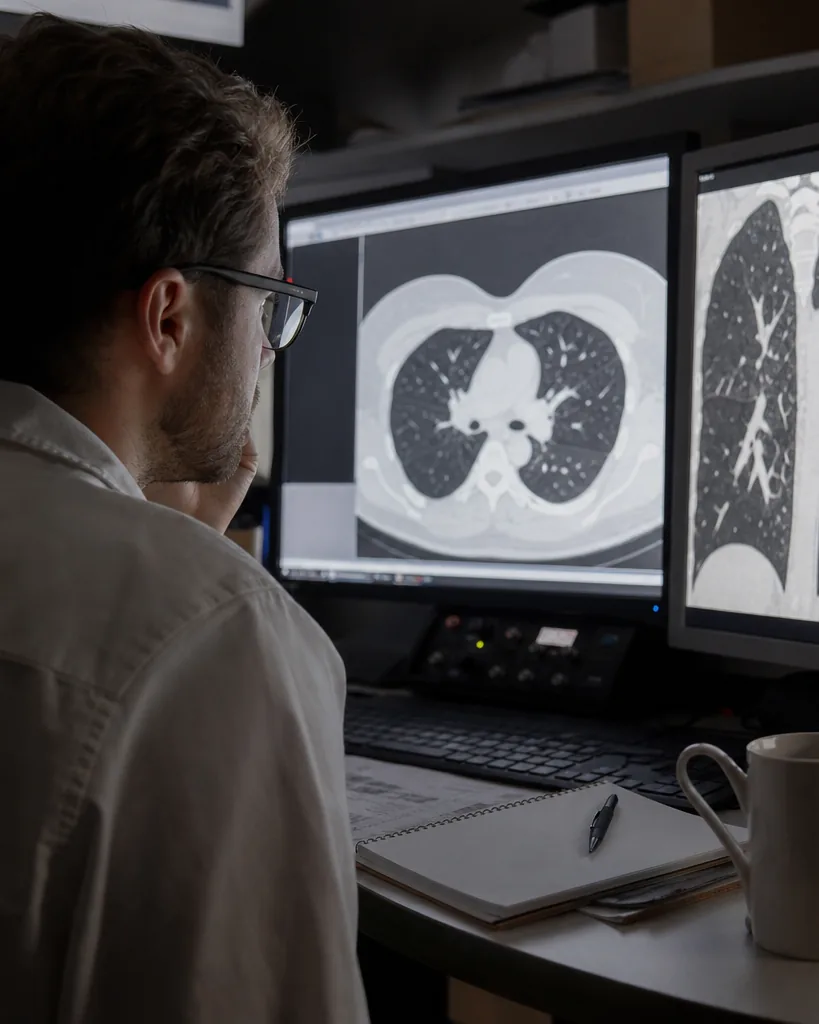
What this tool is and is not for
Use ImageLabeling to create labeled datasets that train and evaluate models in research and development. Do not use it to diagnose, triage or treat patients. Labels made here, including AI pre-labels, are not medical advice and are not validated for clinical use.
- For research datasets, model training and evaluation
- Not a diagnostic device and not for clinical decisions
- No HIPAA compliance claim, so do not upload protected health information
- De-identify every image before upload and remove names, dates, IDs and burned in text
- A DPA is available on the Enterprise plan
A label schema for research imaging
Schemas depend on the modality and the research question, and your clinical experts should own them. A dermatology or histology style schema for photographs and slide images might look like this.
Attributes such as lesion type, labeler certainty (certain, uncertain) and needs_second_opinion keep ambiguity in the data instead of hiding it. Hierarchical classes let you train a coarse tissue model first and refine it later on the same labels.
- lesion
- region_of_interest
- tissue_tumor
- tissue_stroma
- tissue_necrosis
- cell_nucleus
- artifact (blur, fold, pen mark)
- background
- scale_marker
- image_quality_low (image class)
Which annotation types fit medical images

Most research tasks need outlines, so segmentation masks and polygons with the image segmentation tool are the core. Boxes from bounding box annotation fit detection tasks such as counting cells or locating a region of interest. Points from the keypoint annotation tool fit landmark tasks, for example anatomical reference points on photographs. ImageLabeling works with standard image files, so export slices or frames from your viewer as images before upload.
Expert review on every image
Turn on the reviewer step and assign reviewers with the right expertise. Labelers draw, reviewers approve or send back with a comment, and consensus on a sample of images measures how much your experts agree, which belongs in any research write up. Auto labeling can draft masks for your classes to save time, but every pre-label must be accepted or corrected by a person before export. Roles and project access keep each study visible only to the people working on it, and on Business the audit log records every action.
Exporting a research dataset
Freeze a dataset version for each experiment so results can be traced back to the exact labels used. Compare versions to see added, changed and removed labels after a guideline update. Export COCO JSON for masks and keypoints with the COCO annotation tool, or CSV for image level labels and statistics.
Which plan usually fits

Most research groups need segmentation masks and a full review workflow, which start on Team. Groups that need keypoint skeletons, QA scores per labeler and the audit log choose Business. Institutions that require SAML SSO and a signed DPA choose Enterprise. Compare plans on image annotation tool pricing.
FAQ
Can ImageLabeling be used to diagnose patients?
No. It is a labeling tool for research and model training, not a diagnostic device.
Can I upload DICOM files?
Export the slices or frames you need as standard images and de-identify them first, including any text burned into the pixels.
Are our images used to train other models?
No. Images are used only to label your dataset and are never used to train third party models.
Label your first research image
Upload one de-identified image and see draft masks for your classes.