Robotics dataset labeling for warehouses and logistics
Robotics dataset labeling has to match what the robot does next. A picking arm needs object outlines and grasp points, a mobile robot needs people, forklifts and obstacles, and an inventory robot needs boxes and labels on racks. ImageLabeling covers all three with boxes, masks and keypoints, AI pre-labels for your schema, review and versioned exports.
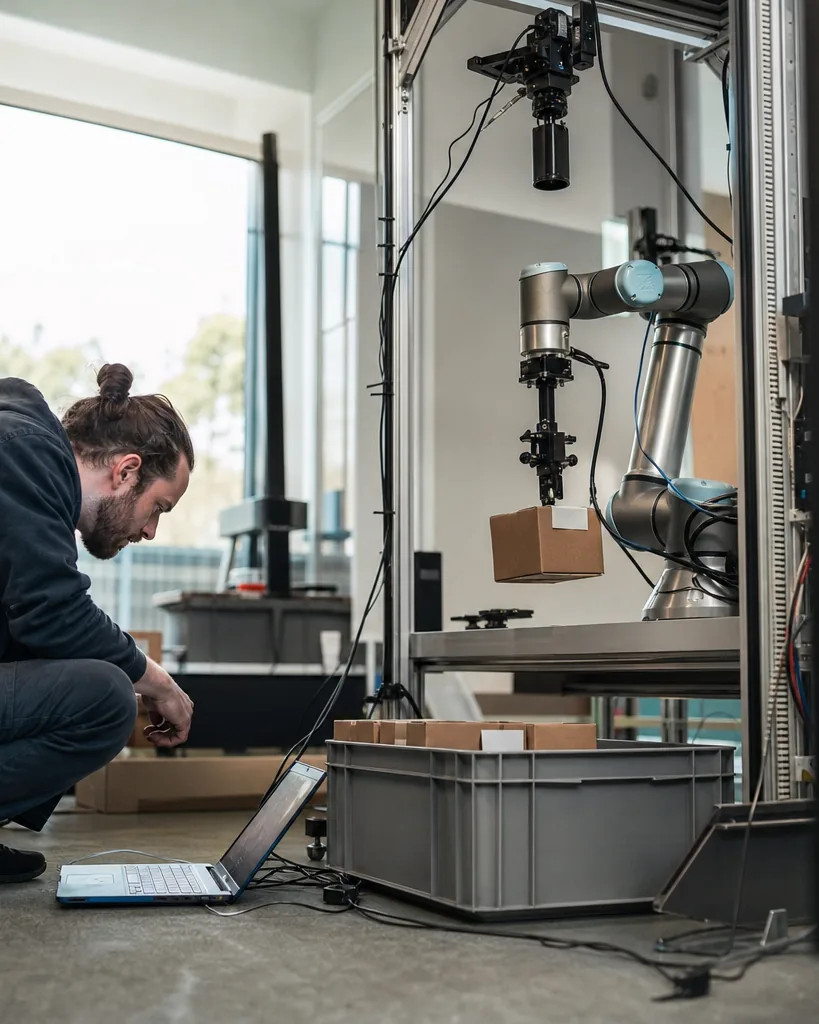
A label schema for warehouse robotics
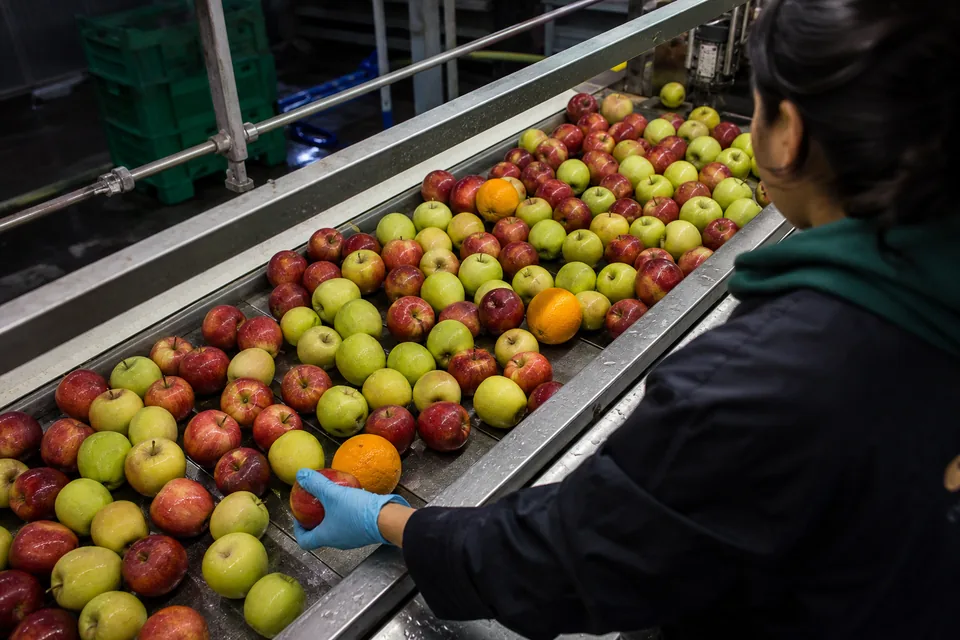
Build the schema around the robot's task. A shared warehouse schema that serves picking, navigation and inventory looks like this.
Attributes add what the planner needs: occlusion (none, partial, heavy), stacked (yes, no), damaged (yes, no) and, for people, wearing_vest (yes, no). Hierarchical classes such as load with children box, tote and polybag let you train a generic graspable object detector and a finer one later.
- box (carton)
- tote
- pallet
- shrink_wrapped_load
- polybag
- item (loose product)
- shelf_rack
- barcode_label
- person
- forklift
- pallet_jack
- amr (other mobile robot)
- obstacle
- floor_marking
- dock_door
Which annotation types fit robotics
For navigation and inventory, boxes from bounding box annotation are usually enough. For picking, outlines matter because the gripper needs free surface, so use instance masks with the image segmentation tool. Grasp points, box corners and pallet pocket positions are keypoints, and with the keypoint annotation tool you define a skeleton once (for example four top corners of a carton) and place it on every instance.
- Boxes for people, forklifts, obstacles and rack inventory
- Instance masks for pick and place
- Keypoint skeletons for corners, grasp points and pallet pockets
- Attributes for occlusion, stacking and damage
Labeling cluttered bins and busy aisles
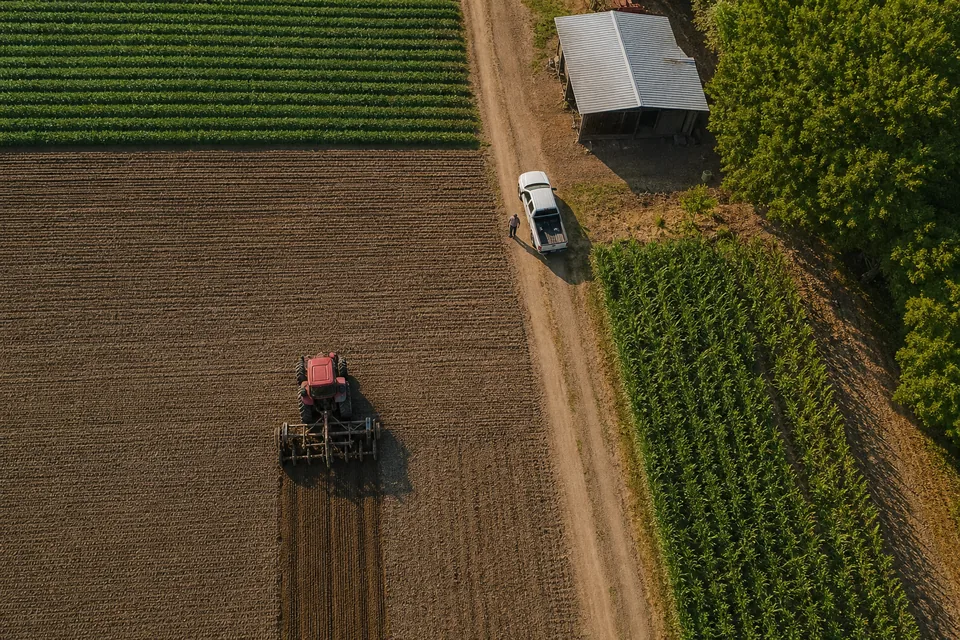
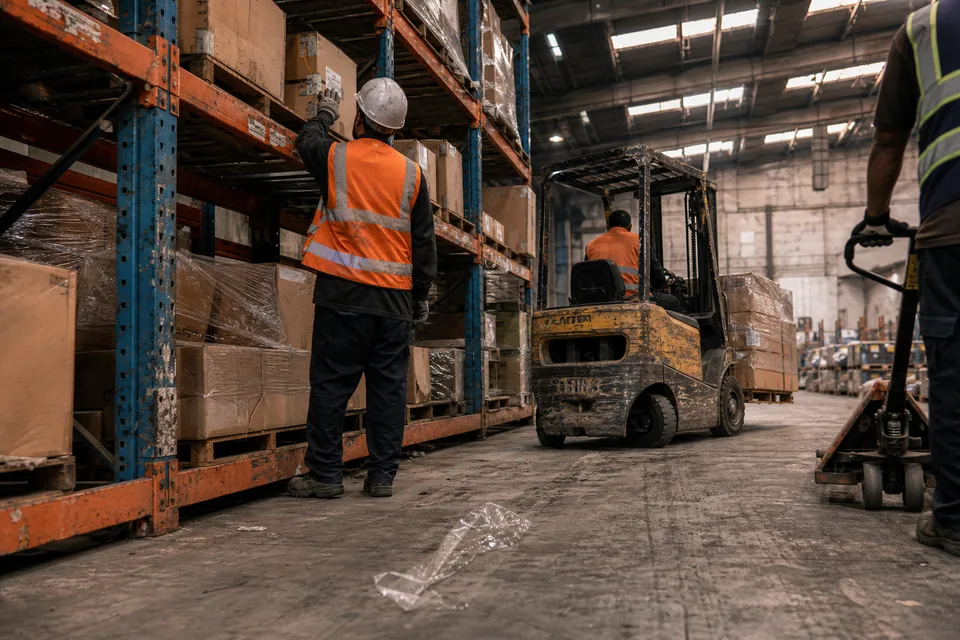
Robot cameras capture cluttered scenes, and cluttered scenes are slow to label by hand. Auto labeling proposes boxes, masks and keypoints for your classes with a confidence per object. Labelers fix overlaps in a bin, split merged masks with the brush, and move on with D. Video from robot runs is uploaded as extracted frames. Sample frames at an interval rather than labeling every frame, because neighboring frames add little new information.
Review matters for safety classes. Ask reviewers to check every person and forklift, and use consensus on a sample of images to confirm that labelers agree on partially visible people. Your pipeline can upload new frames through the API on Team and above, and webhooks on Business notify it when a batch is reviewed.
Exporting a robotics dataset
Freeze a dataset version per site, per camera setup or per software release of the robot. Keep the split by recording session, so test images come from runs the model has not seen. Export with the YOLO labeling tool for real time detection on the robot, or COCO JSON from the COCO annotation tool for instance masks and keypoint skeletons.
Which plan usually fits
Box only navigation datasets can start on Starter. Picking projects need instance masks, which start on Team. Keypoint skeletons for grasp points, webhooks into your training pipeline and QA scores per labeler come with Business, the usual plan for robotics teams in production. Compare plans on image annotation tool pricing.
FAQ
Can I label depth images?
Upload a visual rendering of the depth map as a standard image and label it like any other image. Keep the raw depth file in your own storage with the same name.
How many frames should we label from each robot run?
Sample frames at an interval and add frames where the robot failed. Dataset versions show how each new batch changes the set.
Can we import labels from simulation?
Yes, if they are in COCO, YOLO, Pascal VOC or CSV. Review them on real images before mixing them into training data.
Label your first warehouse image
Upload one frame from your robot camera and see AI pre-labels for your classes.