PPE detection dataset labeling for site safety models
A PPE detection dataset has to answer one question reliably: is this person wearing the equipment the zone requires. That means labeling people, the equipment on them and the absence of equipment, consistently, across cameras, lighting and distances. ImageLabeling gives safety and security teams AI pre-labels, attributes per person, review and versioned exports for construction sites, plants and warehouses.
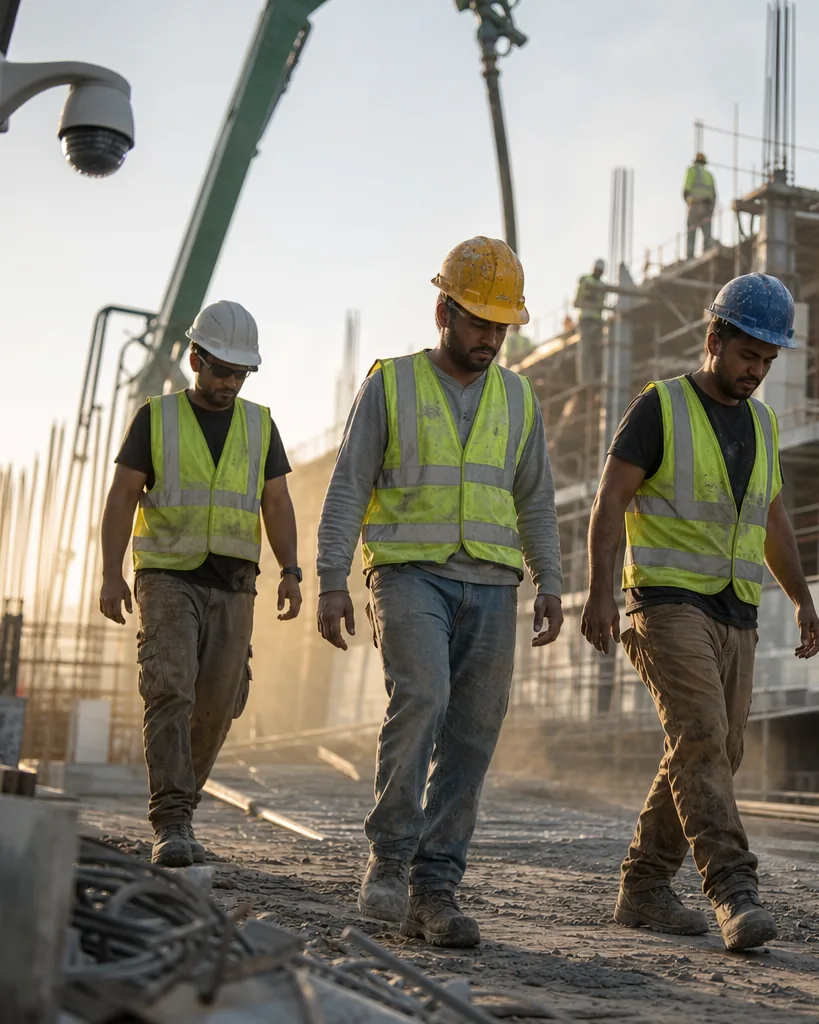
A label schema for PPE and site safety
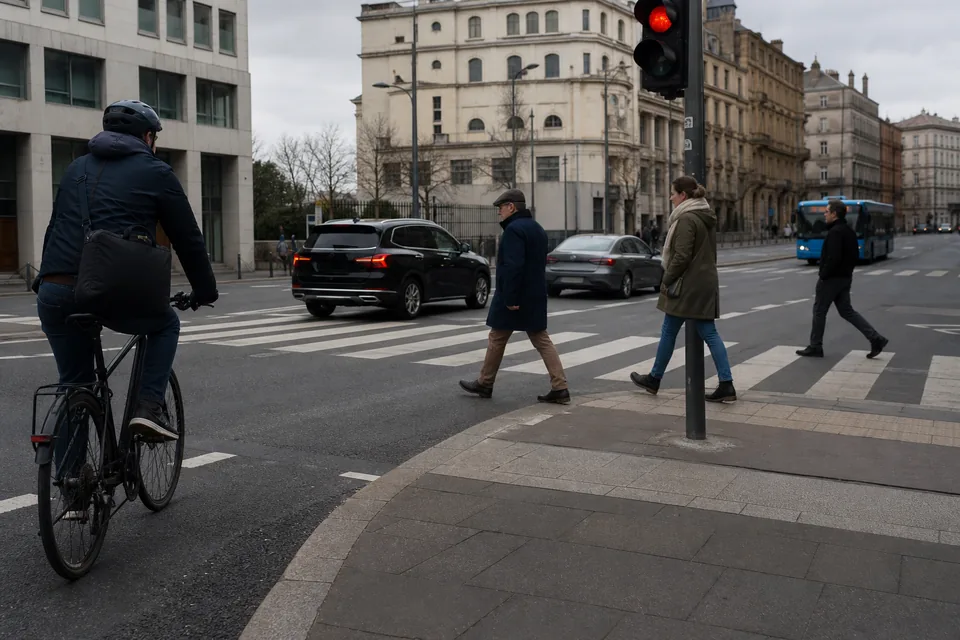
Label the person as the main object and describe equipment with both classes and attributes, so the model can learn missing equipment, not only present equipment.
Attributes per person make the dataset useful for rules: role (worker, visitor, driver), pose (standing, crouching, on ladder), occlusion and distance (near, mid, far). Hierarchical classes such as ppe with children helmet, vest and gloves let you train one equipment detector first and split it later.
- person
- helmet
- no_helmet (head without helmet)
- safety_vest
- no_vest
- gloves
- safety_glasses
- face_mask
- harness
- forklift
- truck
- restricted_zone_marker
- fire_extinguisher
Which annotation types fit PPE detection
Boxes are the standard for safety detection, so start with bounding box annotation for people, equipment and vehicles. Keypoints help when you want to check that a helmet sits on a head and not in a hand: with the keypoint annotation tool you place head, shoulders and hips on each person. Polygons fit floor zones and restricted areas.
- Boxes for people, PPE items and vehicles
- Attributes for role, pose and distance
- Keypoints to tie equipment to body parts
- Polygons for zones and walkways
Labeling CCTV and site camera images
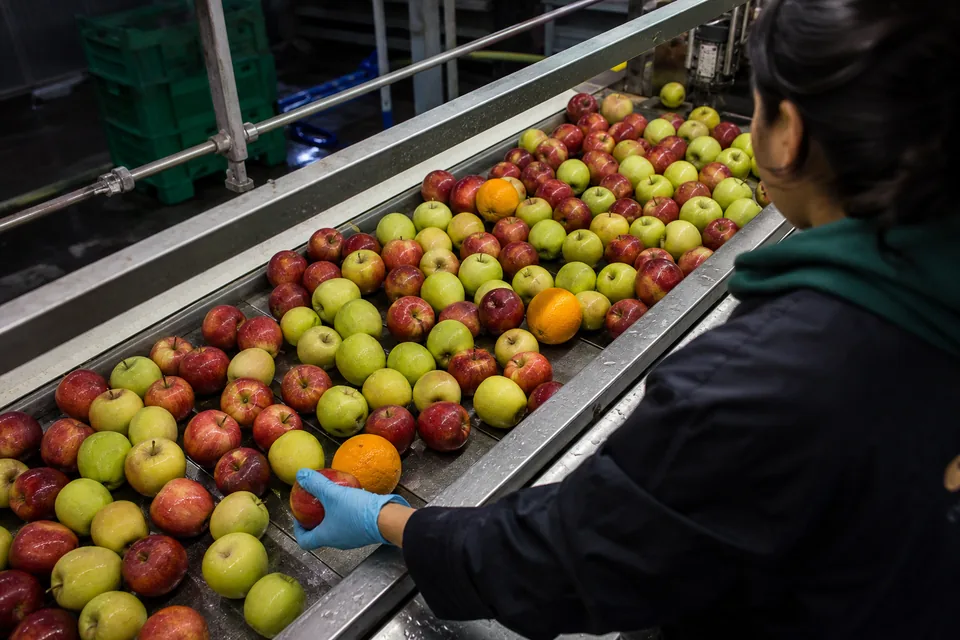
Site cameras produce many similar frames, so sample frames over different shifts, weather and lighting before upload. Auto labeling proposes boxes for people, helmets, vests and vehicles with a confidence per object. Labelers fix the small and distant ones, set attributes, and move on with D. Write the hard rules into the guideline: a helmet carried in a hand is not worn, a vest under a jacket is not visible.
Reviewers approve or send back with a comment, and consensus on a sample of images shows whether labelers agree on distant and partially hidden people. On Business the audit log records who labeled and reviewed each image, which helps when safety decisions are discussed later.
A note on faces and privacy
Site images show real people. Follow your own privacy policy and local law before collecting and labeling them. Blur or crop faces before upload when you do not need them, label people by body and equipment rather than identity, and never add names or employee IDs as attributes. Images are encrypted in transit and at rest, used only to label your dataset, never used to train third party models, and deleted on request.
Exporting a PPE dataset
Freeze a dataset version per site or per camera group, and split by camera so the test set shows views the model has not seen. Export with the YOLO labeling tool for real time detection on edge devices, or COCO JSON from the COCO annotation tool when you keep keypoints and attributes.
Which plan usually fits
A box only pilot on one site fits Starter. Attributes for role and distance and a full review workflow with consensus start on Team, the usual plan for safety teams. Keypoint skeletons, the audit log and QA scores per labeler come with Business. Compare plans on image annotation tool pricing.
FAQ
Should I label missing PPE as its own class?
Yes. Classes like no_helmet and no_vest give the model direct examples of violations, which a presence only schema lacks.
How small can a person be in the image?
Label every person your reviewers can identify with confidence, and use the distance attribute so you can filter far objects later.
Can we label video from site cameras?
Yes, as frames uploaded as images. There is no native video timeline.
Label your first site image
Upload one camera frame and see AI pre-labels for people and PPE.